Understanding Selfie Mosaic
What is a Selfie Mosaic?
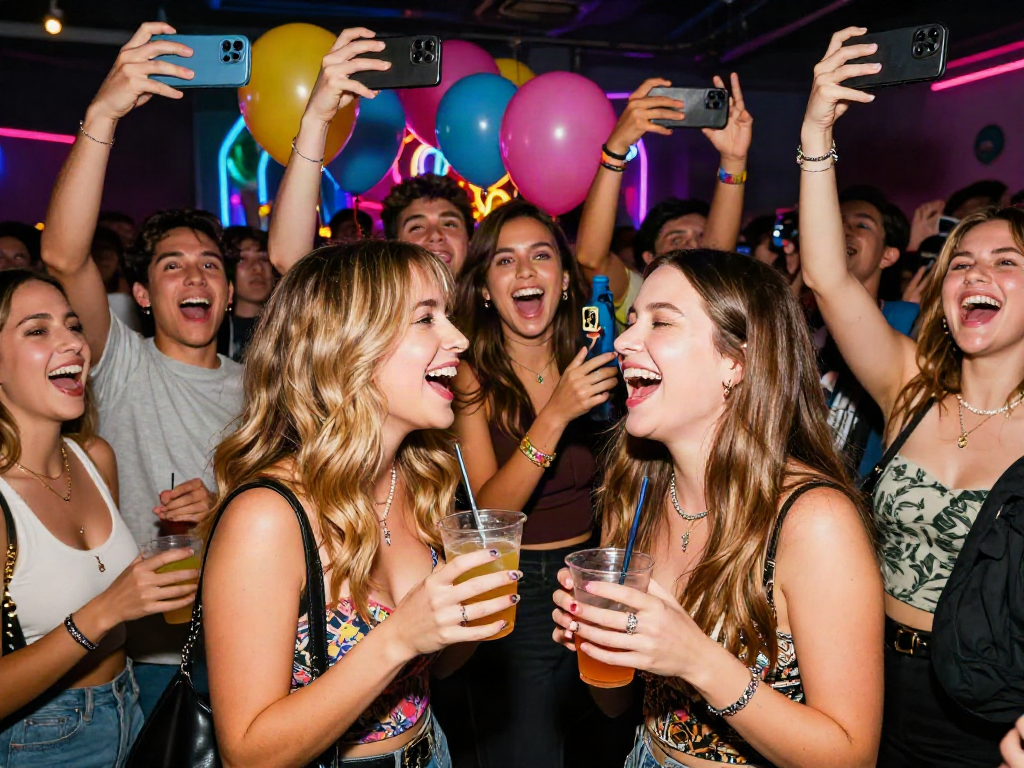
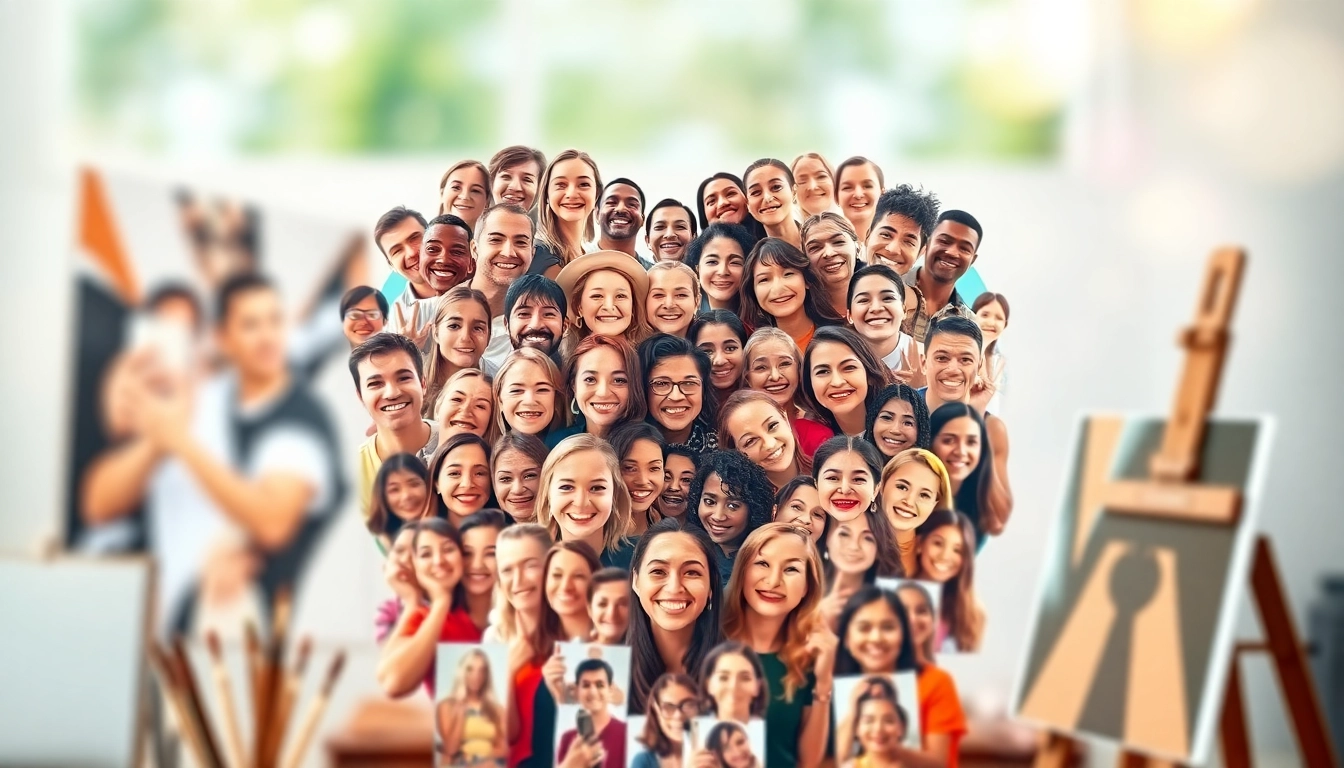
A selfie mosaic is an artistic composition created by assembling numerous individual selfies into a single coherent image. These mosaics not only serve as a creative way to tell a story but also encapsulate the emotions, moments, and vibes of a particular event or theme. The final piece resembles a large photo that reveals its true essence only when viewed from a distance, while up close, it presents an intricate collage of individual faces. This unique art form encourages participation and a sense of community, often seen at events, parties, or special occasions where individuals can contribute their selfies to the shared experience.
History and Evolution of Selfie Mosaics
The selfie mosaic has its roots intertwined with the evolution of photography and digital art. As personal smartphones evolved in the early 2000s, so did the concept of taking selfies. The term "selfie" gained popularity in the mid-2010s, driven by social media platforms that enabled easy sharing of personal images. Artists and designers began experimenting with these individual shots, leading to the formation of mosaics that portrayed a collective theme or message.
As technology progressed, software tools developed, simplifying the creation of these mosaics, and allowing even those with limited artistic skills to craft their works of art. Today, selfie mosaics can be seen everywhere—from weddings and birthday parties to art exhibits and corporate events—proving their versatility and broad appeal.
Key Elements of an Effective Selfie Mosaic
An effective selfie mosaic combines various elements that contribute to its overall impact. First and foremost, the choice of images is crucial; selfie quality, resolution, and relevance to the theme greatly affect the final product. High-resolution images ensure clarity, while carefully selecting selfies that share a common theme or emotion enhances coherence.
The layout and design also play significant roles. Artists must consider factors such as color, composition, and balance to produce an aesthetically pleasing outcome. A well-thought-out arrangement ensures that each individual image contributes meaningfully to the larger picture, capturing viewers' attention and evoking emotion.
Finally, interaction is vital. Encouraging contributions from participants not only enhances the communal aspect of the mosaic but also ensures a more diverse representation of experiences and backgrounds, making the final piece richer and more engaging.
Choosing the Right Images for Your Selfie Mosaic
Evaluating Image Quality and Format
Image quality is paramount when creating a selfie mosaic. Start by ensuring that each selfie is high-resolution; blurry or pixelated images can detract from the beauty of the final piece. Typically, images should be at least 300 dpi for optimal print quality. Formats such as JPEG or PNG are most commonly used due to their versatility and support for high-quality resolutions.
It’s essential to examine lighting and exposure, as well. Well-lit photos with consistent brightness will blend seamlessly, while contrasting images may disrupt the overall harmony of your mosaic. Editing tools can help improve the quality of images before they're assembled.
Finding the Perfect Theme or Concept
The theme or concept you choose can significantly affect the impact of your selfie mosaic. This could be aligned with a specific event—like a wedding, reunion, or festival—or a broader topic, such as love, friendship, or family. Be mindful that the theme should resonate with the participants; this fosters a deeper connection and engagement.
Visually, a strong theme guides the selection of images, colors, and even the overall mood of the mosaic. For example, a celebration of friendship may utilize bright colors and laughing selfies, whereas a tribute to family might incorporate more intimate or candid shots. The coherent vision will boost the emotional weight of the final artwork.
Ensuring Diversity and Representation
Diversity within a selfie mosaic enriches its storytelling capabilities. By including participants from various backgrounds, ages, and experiences, the mosaic reflects the collective culture and voice of the group. This aspect enhances relatability and fosters a sense of belonging among contributors.
Consider initiating the project with a call for submissions that encourages participants to submit images representing their unique identities or experiences. This inclusivity can elevate the sense of community while ensuring the final piece is a true representation of all involved.
Tools and Software for Creating Selfie Mosaics
Popular Software Options Available
Creating a selfie mosaic has become increasingly accessible, thanks to various software options available in the market. Popular tools include dedicated mosaic-making software such as Mosaically, EasyMoza, and Mosaic Maker, which offer user-friendly interfaces and customizable templates.
Additionally, photo editing software like Adobe Photoshop can be employed for those seeking more intricate control over the design elements. These tools allow users to arrange, resize, and blend images into a cohesive artwork, ensuring that creativity is only limited by one's imagination.
Step-by-Step Creation Process
Creating a self-portrait mosaic can be accomplished through a systematic process:
- Gather Images: Collect all the selfies you wish to include, ensuring that they are of high quality and fit the theme.
- Choose Software: Select a software tool that suits your needs. Some options automate much of the process, while others provide broader control.
- Upload Photos: Import your selected selfies into the software, often arranged into a grid format.
- Customize Layout: Format the images' positions, adjust sizes, and optimize colors in line with your theme.
- Finalize and Export: Once satisfied with the design, save the mosaic in the desired format. Depending on its final use (digital or print), choose an appropriate resolution.
Customizing Your Selfie Mosaic Design
Customization options can significantly enhance the uniqueness of your selfie mosaic. Adjusting dimensions, colors, borders, and arrangements allows for personalization that reflects your style and vision.
Adding background elements can elevate the mosaic further; consider using gradients, textures, or even textual overlays that align with your theme. This level of customization ensures that the end result is not only beautiful but also uniquely yours.
Best Practices for Showcasing Your Selfie Mosaic
Displaying at Events or Online
When it comes to showcasing your selfie mosaic, several avenues are available. For physical venues, consider printing the mosaic on a large canvas or fabric to create a striking centerpiece. Ensure adequate lighting to highlight the details and colors.
For online sharing, social media platforms can amplify the reach. Upload the mosaic and engage followers by encouraging them to share their selfies and stories related to the theme. Hosting a virtual gallery allows distant participants to enjoy the shared memories.
Using Social Media for Engagement
Social media serves as an ideal platform for displaying and promoting your selfie mosaic. Engage with contributors by tagging them in posts and inviting them to participate in discussions about the creation process and concept. Create a branded hashtag for the project, enabling users to easily connect and share related content.
Incorporate interactive elements, such as polls or quizzes, related to the selfie mosaic theme—this not only enhances engagement but also fosters community involvement.
Incorporating Feedback and Iteration
Feedback is crucial as it helps to refine your approach for future projects. After unveiling the selfie mosaic, gauge reactions through comments and direct messages. Understand what resonates with your audience and which aspects they enjoy the most.
Consider establishing a follow-up project based on feedback or reassessing your approach to image selection and design in subsequent mosaics. This continuous improvement will not only enhance the quality of your work but will also build a dedicated community around your art.
FAQs About Selfie Mosaics
What’s the best size for a selfie mosaic?
The best size for a selfie mosaic varies based on its display location. For online use, typical dimensions are around 1200x800 pixels, while printed versions can range from 24x36 inches and larger for events.
How can I ensure image quality is maintained?
To maintain image quality, use high-resolution images (preferably 300 dpi) and avoid resizing them too drastically. Regularly check the final output before committing to print or digital sharing.
Can I use professional photos in my mosaic?
While using professional photos can enhance quality, remember to obtain permission from the original photographers to respect copyright and ownership before including them in your mosaic.
What are common mistakes to avoid?
Common mistakes include using low-quality images, lack of a cohesive theme, and neglecting diversity. Ensure high-resolution submissions, a strong concept, and a mix of backgrounds to create an engaging mosaic.
How do I share my completed selfie mosaic?
You can share your completed selfie mosaic on social media platforms, by printing it for events or exhibitions, or through digital galleries. Make sure to include relevant tags and descriptions to engage viewers.